
Company profile
Set your company details and a default currency, used for new branches and invoices.
Platform is where you set up your company: branches, users, roles and the integrations that connect Axion to the rest of your business. Turn on the boxes you need, connect Slack, Microsoft Teams, your own email domain and your own e-invoicing ASP, and decide who can create, change or delete records as your team grows.
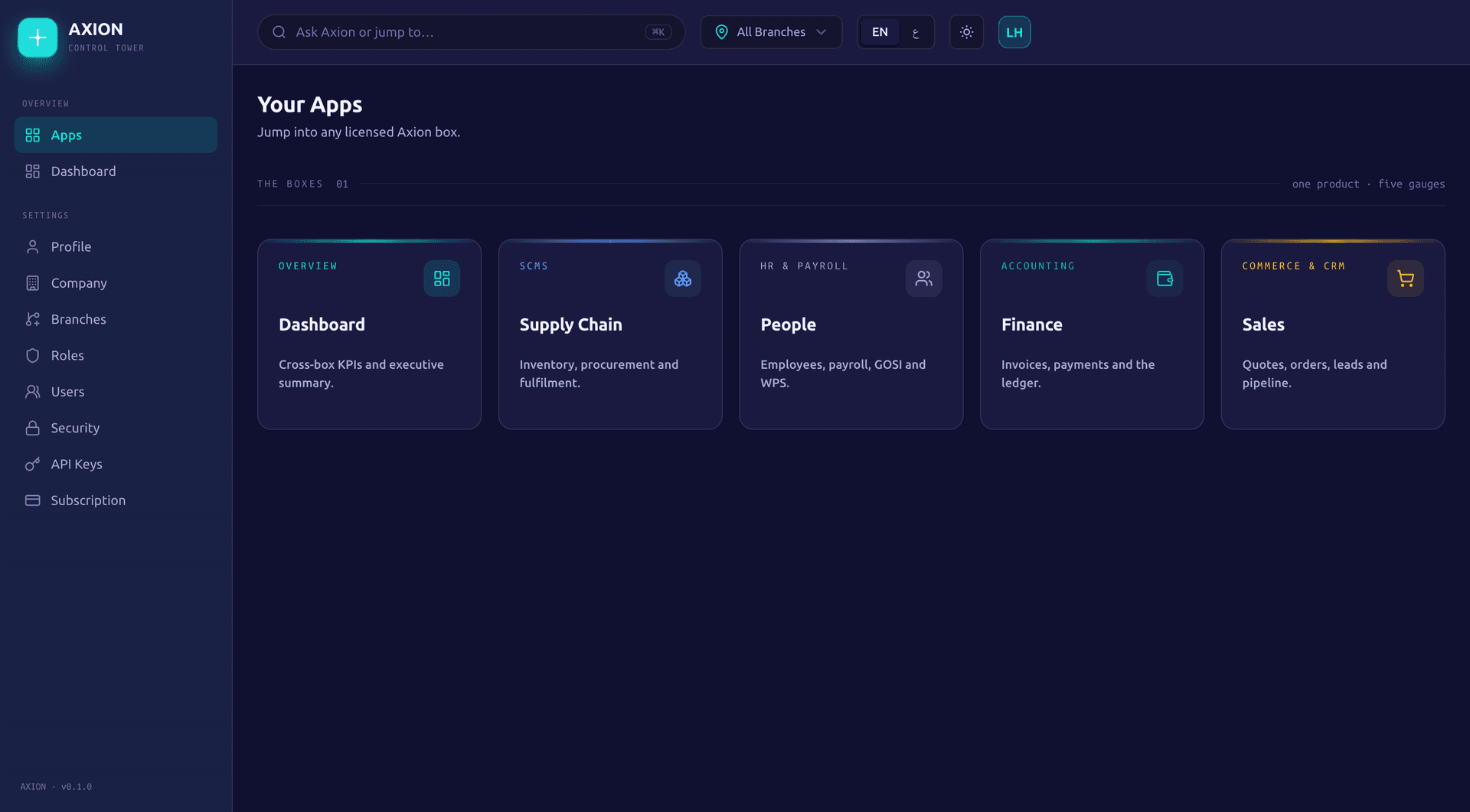
The identity every other box builds on.
Set your company details and a default currency, used for new branches and invoices.
Each branch has its own legal name, registrations, address, country and currency. Once a branch has posted accounting entries, its country and currency lock.
Set a location and a radius from 50 to 5,000 metres for each branch, so a check-in outside it is refused with the distance shown.
Switch on only the boxes you need. A Sales subscription includes Commerce.
Who can sign in, and what they can do once they are in.
Invite people by email, resend an invite, edit their details, and deactivate or reactivate an account.
Build roles from a permission catalogue and assign them to your users.
Switch it on when you are ready. It then governs who can create, change and delete in Finance, People, Sales, Commerce, Supply Chain and reporting. It does not restrict what a user can see, and it will not switch on until someone already holds an admin role.
Give each person access to the boxes they need, within the boxes your company runs.
How Axion talks to the rest of your business.
Create keys scoped to what they can touch, from 20 scopes across products, pricing, orders, cart, customers, returns, shipping, wishlist, reviews, storefront and leads. Give a key an expiry date, restrict it to an IP allowlist, and rotate it when you need to.
Subscribe to five events: lead created, lead converted, opportunity won, order created and order confirmed. Each delivery is signed with HMAC SHA-256 so you can verify it came from Axion. Commerce adds its own webhooks for order, payment, return, shipment, customer, subscription and review events.
Connect a Slack webhook and get a message on lead and order events.
The same lead and order events, posted to a connected Teams webhook.
Point a Zapier webhook trigger or a Make webhook module at Axion's signed outgoing webhooks. An in-app guide walks through the setup.
Use your own SMTP server and sending domain, with the DKIM, SPF and DMARC records to add, for lead and web form emails.
Axion is not an accredited service provider. Axion captures all 51 mandatory fields of the UAE e-invoicing data dictionary, produces the PINT AE document, and checks it against the official PINT AE 1.0.4 rules, blocking any document that fails a mandatory check. Connect your own accredited service provider (ASP): enter its API address and key, held encrypted, and Axion hands it each checked document to send to the Federal Tax Authority.
One assistant, reachable from every box you run.
Ask Axion from Dashboard, Finance, People, Sales, Commerce or Supply Chain, and it answers from your live data.
Ask Axion answers questions. It never creates, changes or deletes anything.
Leads, pipeline and today's activities in Sales, a finance summary, headcount in People, and stock cover, open purchase orders, shipment status, active alerts, KPIs, driver deliveries and cost, and product search in Supply Chain.
Ask for a trend or a comparison and Ask Axion can draw a bar, line, area or pie chart alongside its answer.
Separate from Ask Axion, People reads a photo of a receipt and fills in the reimbursement claim: amount, date, vendor and category, with manual entry as a fallback.
The same conveniences, in every box.
Each box opens with a short checklist to help you get set up.
Load sample data to try out a box, then clear it again with one click.
A search bar in every box, Ask Axion or jump to a page, with the command K keyboard shortcut.
The same layout in every box, so moving between them does not mean relearning the screen.
Full English and Arabic string coverage, with a right to left layout and a one-click switch.
Switch between light and dark themes.
An all branches picker on every screen, to see the whole group or focus on one.
What each integration does.
| Integration | What it does |
|---|---|
| Slack | A message on lead and order events, posted to your channel. |
| Microsoft Teams | The same lead and order events, posted to Teams. |
| Zapier | Point a Zapier webhook trigger at Axion's signed webhooks, with an in-app guide. |
| Make | Point a Make webhook module at the same signed webhooks, with an in-app guide. |
| Your own SMTP server | Send lead and web form emails from your own domain. |
| Your own e-invoicing ASP | Axion checks the PINT AE document against the PINT AE 1.0.4 rules, then hands your ASP the document to send to the FTA. |
Read-only, by design: it answers from live data and never writes anything.
PlatformDashboard
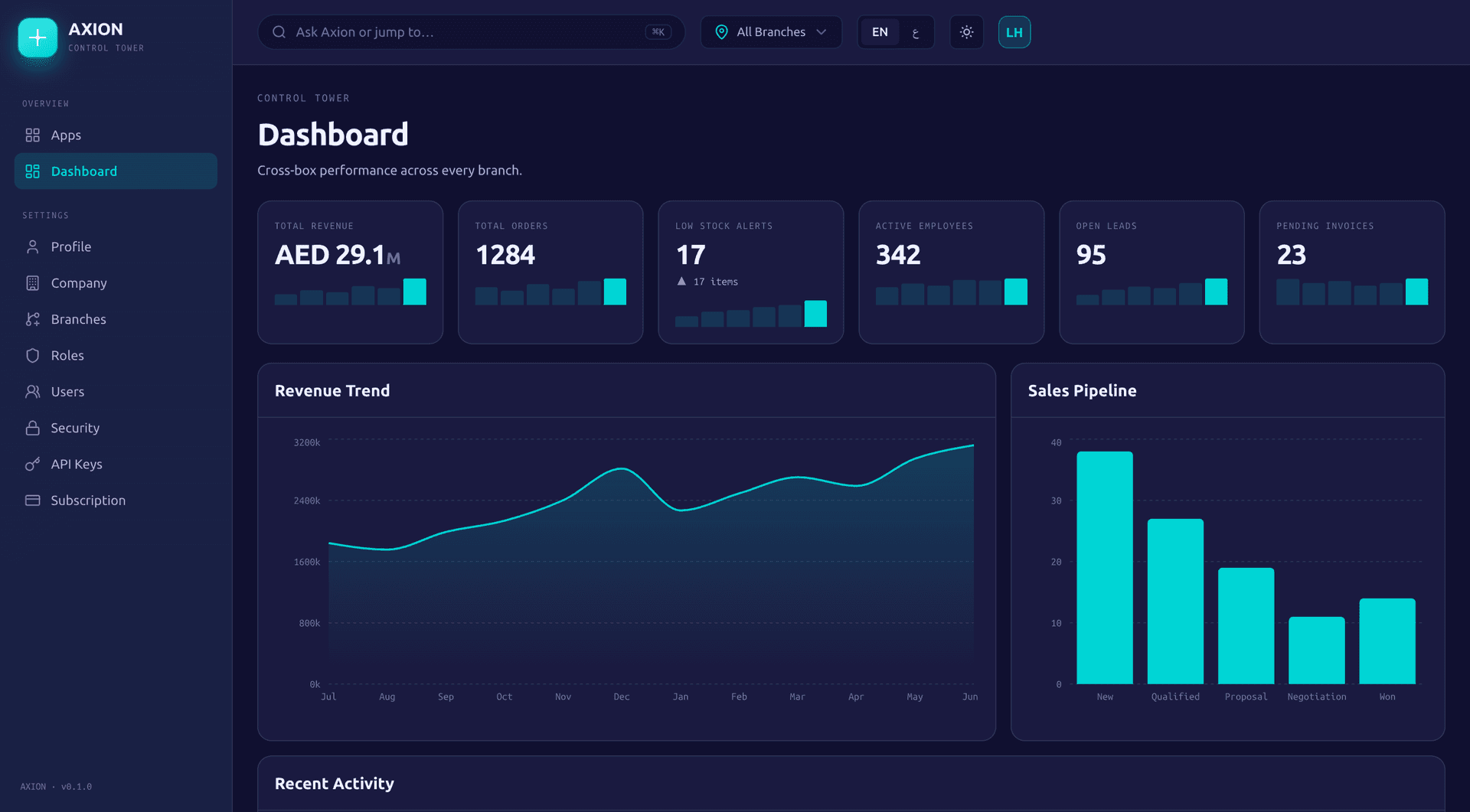
The branches you set up in Platform feed the Dashboard, which rolls figures up across the whole group or down to one branch.
PlatformFinance
Ask Axion, built into every box, answers questions from live data in Sales, Finance, People and Supply Chain.
CommercePlatform
When an order is created or confirmed in Commerce, Platform can post a message to Slack or Microsoft Teams and fire a signed webhook.
No. Axion is not an accredited service provider (ASP). Axion captures all 51 mandatory fields of the UAE e-invoicing data dictionary and produces the PINT AE (UBL 2.1) document, checked against the official PINT AE 1.0.4 rules, and any document that fails a mandatory check is blocked before it goes out. You connect your own accredited service provider, which transmits the document to the Federal Tax Authority.
Plain questions about your business: leads, pipeline and today's activities in Sales, a finance summary, headcount in People, and stock cover, open purchase orders, shipment status, alerts, KPIs and driver deliveries in Supply Chain. It can draw a chart with its answer. It is read-only by design, so it never creates, changes or deletes anything.
Yes, through Axion's signed outgoing webhooks. Point Zapier's webhook trigger or Make's webhook module at them, and the Integrations page walks you through the setup step by step.
Build roles from a permission catalogue and assign them to your users, then switch access control on when you are ready. From then on it governs who can create, change and delete records in Finance, People, Sales, Commerce, Supply Chain and reporting, while viewing stays open to signed-in users. It will not switch on until someone already holds an admin role, so you cannot lock yourself out.
Yes, for lead and web form emails. Connect your own SMTP server and sending domain, and Axion gives you the DKIM, SPF and DMARC records to add to your DNS.
Each branch is its own legal entity, with its own legal name, registrations, address, country and currency. Finance keeps books per entity, and once a branch has posted accounting entries, its country and currency lock.
Apply for a 90-day pilot, or book a 30-minute demo and we will walk you through the boxes that fit your business, with your own numbers.
A Novamind product, built for the GCC.