
Products
Create products with variants and multiple images, and archive one instead of deleting it; unarchive it again whenever you need to.
Commerce holds your products, prices, orders and returns, and turns them into Finance invoices and credit notes without re-keying. Build your own storefront or app on its API, with checkout built on the server from the customer's own cart, never trusted from the browser.
Products, bundles and categories, with reviews you moderate before they show.
Create products with variants and multiple images, and archive one instead of deleting it; unarchive it again whenever you need to.
Group several products into a bundle with its own listing.
Build nested category trees to organise the catalogue, and scope discounts and pricing rules to a category.
Shoppers rate a product 1 to 5 stars, with a verified-purchase flag; you approve or reject each one before it shows.
Every order resolves its price book, discount and pricing rule before it checks the customer's credit.
Set per-product prices in a price book, then apply it at order time.
A percentage, fixed amount or free-shipping discount, scoped to an order, product, category or customer, with an optional coupon code, a minimum order amount, a maximum discount amount, usage limits in total and per customer, and a start and end date.
Quantity breaks, customer tiers, volume, seasonal or promotional rules, each with a priority so you control which one applies when more than one matches.
Set a credit limit per customer; a new order checks it, and you monitor exposure and ageing.
Placing an order resolves the price book, any discount and pricing rule, and VAT for every line, and checks the customer's credit limit.
A return moves through approve or reject, then processing to complete, or cancel; approving a return that was paid creates the Finance credit note automatically.
Shipping zones each carry their own methods and rates; check a calculated rate before you book, and track shipment status afterwards.
Start a subscription as a trial or active plan; change its plan, pause it, resume it, renew it or cancel it.
Activate a contract, renew it, or let it expire or terminate.
Each subscription period becomes a Finance invoice automatically, and the same period is never invoiced twice.
The storefront API is the back end for whatever site or app you build.
Set your own slug or a custom domain; Axion gives you the DNS records to point it there.
Build your own storefront or app on the API described below: catalogue, customer accounts, cart, checkout, orders, wishlist and a customer portal.
A reference storefront is built on the same API, so you can see the whole flow working before you build your own front end.
Give each key scopes, an expiry date and an IP allowlist. Storefront settings generate a catalogue-read key in one click, and a replacement is issued before the old key is revoked, so the store never goes dark.
Send order, payment, return, shipment, customer, subscription, review, cart and wishlist events to your own systems. Each delivery is signed, retried with backoff if your endpoint fails, and recorded in a delivery history, and a subscription that keeps failing is switched off rather than retried for ever.
Export an orders report as PDF or Excel, with total orders, total revenue, average order value and orders by status.
Export a customers report as PDF or Excel, with total customers, how many have ordered, total spend and your top customers by spend.
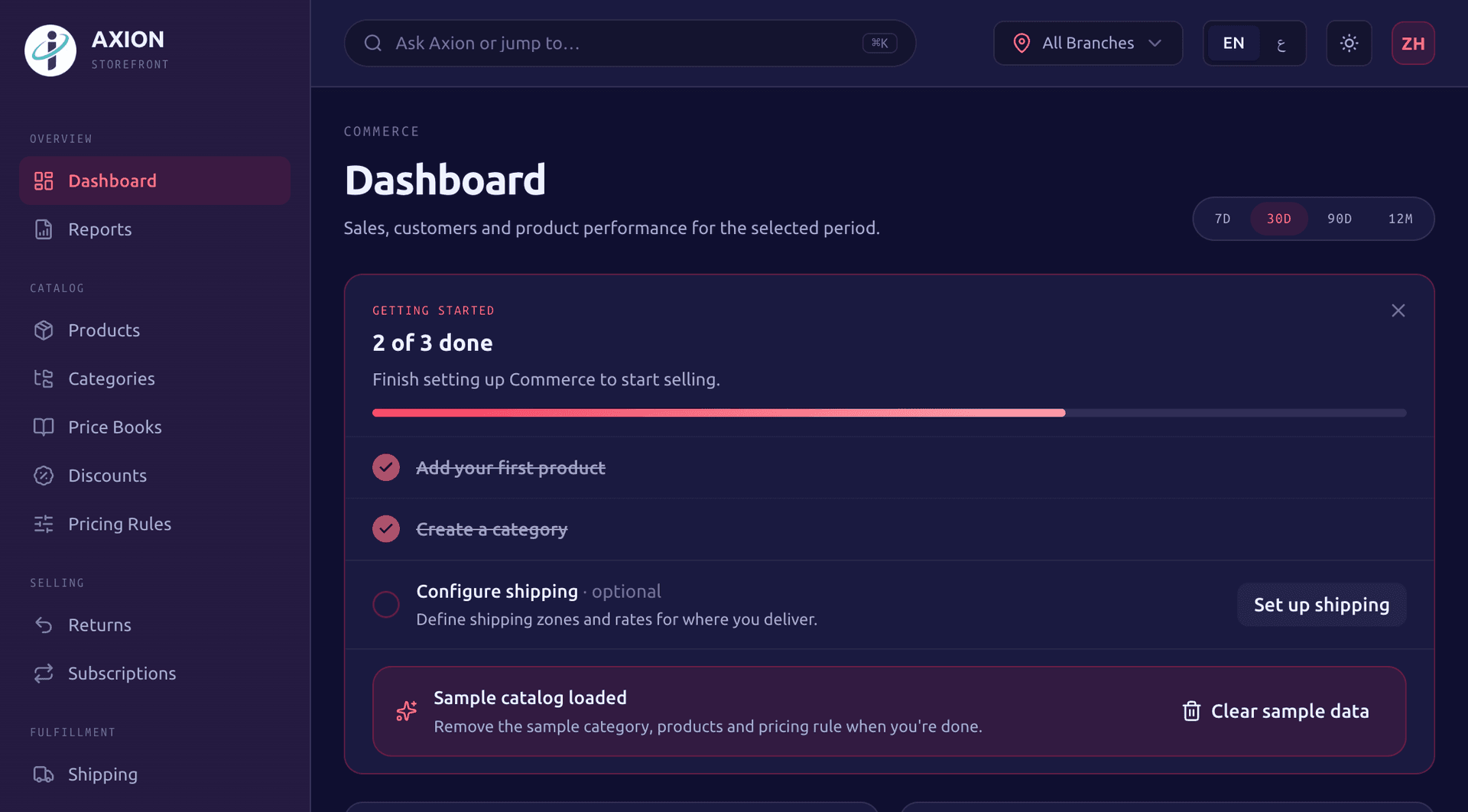
A dashboard shows sales, customers, products and trends over the last 7, 30 or 90 days, or 12 months.
Build your own online store on Axion as the back office. The endpoints group by area:
| Area | Endpoints | What it does |
|---|---|---|
| Catalogue | Products, product detail, categories | Paginated lists your storefront calls directly. |
| Customer accounts | Register, log in, verify email, reset and change password | Shoppers create and manage their own login. |
| Cart | Add, update and remove lines | Held against the shopper's own account. |
| Checkout | Build the order | The order is built on the server from the shopper's own cart, with prices re-checked there, never trusted from the browser. |
| Orders | Order history | Shoppers see their own past orders. |
| Wishlist | Save, remove, move to cart | Shoppers save products and move them into the cart when ready. |
| Customer portal | Profile, subscriptions, invoices, support case status | Pause or cancel a subscription, download an invoice as a PDF and check a support case. |
A reference storefront is built on the same API.
Each storefront API key is scoped rather than all-or-nothing.
Tax on every order comes from the built-in GCC VAT engine, at each country's rate, on every line.
CommerceFinance
A Commerce order becomes a Finance invoice automatically, through a handoff that retries: if Finance is briefly unavailable the invoice is delayed, never lost, and never created twice.
CommerceFinance
Each subscription period bills as a Finance invoice, the same way.
CommerceFinance
Approving a return that was paid creates the Finance credit note.
CommercePlatform
Order created and order confirmed events can notify Slack or Microsoft Teams and fire signed webhooks.
CommerceDashboard
The Dashboard shows your Commerce figures alongside every other box, for one branch or the whole group.
Yes. Commerce is a headless back office: a storefront API covers the catalogue, customer accounts, cart, checkout, order history, wishlist and a customer portal, so you build your own storefront or app against it, with checkout built on the server from the customer's own cart and prices re-checked there rather than trusted from the browser. A reference storefront is built on the same API if you want a starting point instead of building from scratch; either way, the catalogue, pricing, cart and checkout logic live in Axion and the storefront just calls the API.
Commerce is fully usable on its own: turn it on by itself if that is all you need. A Sales subscription includes Commerce too, so if you also want lead and pipeline management you get both.
Every order line is priced through the resolved price book, discount and pricing rule, then taxed by the built-in GCC VAT engine at the right country rate. It is this engine that sets the tax on an order, not a separately defined tax rule.
Yes. A subscription starts as a trial or an active plan, and you can change its plan, pause, resume, renew or cancel it. Each period becomes a Finance invoice automatically, and the same period is never invoiced twice. Collecting the payment is up to you.
If the return was on a paid order, approving it creates the matching Finance credit note automatically. A return can also be rejected, put into processing, completed or cancelled before it gets there.
Two ways. Scoped API keys let your storefront, app or back office call Commerce, each with an expiry date and an IP allowlist, and storefront settings generate a catalogue key in one click. Webhooks push order, payment, return, shipment, customer, subscription and review events to your own endpoint, signed, retried with backoff, and recorded in a delivery history.
Apply for a 90-day pilot, or book a 30-minute demo and we will walk you through the boxes that fit your business, with your own numbers.
A Novamind product, built for the GCC.